

Modeler & Happy Path: Modify Lane Name Directly
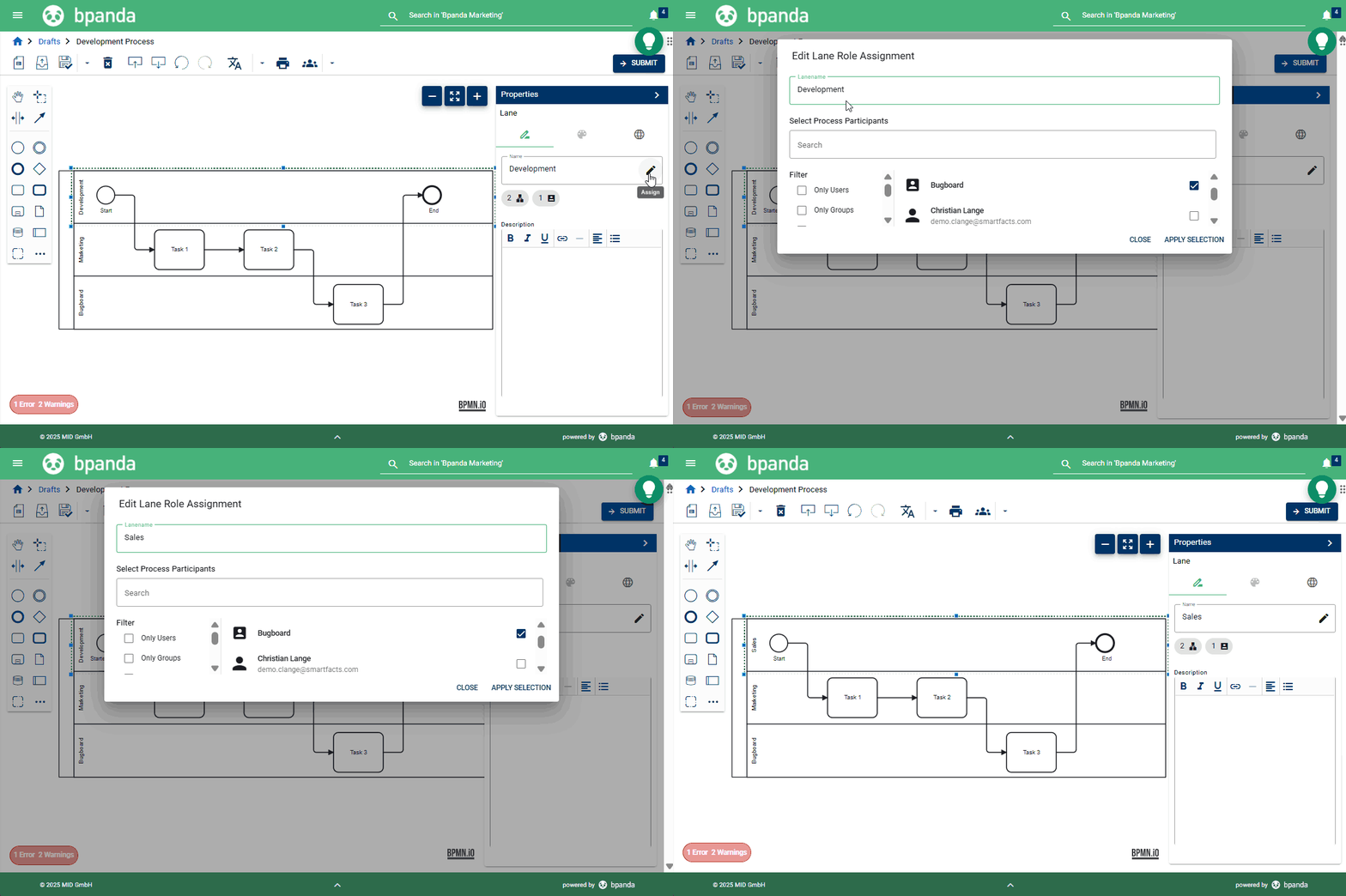
BPM Managers and Process Designers can easily change the roles in the lanes in both the Happy Path and Modeler by clicking on the pen icon. Our July 2 release brings with it the option of now also changing the lane name using the same pen icon. e.g. If you assign three roles to a lane, then Bpanda uses the name of the first role assigned. You can now directly change this name and e.g. generalize it so that it has the best description for this situation.
Invitation & Registration: Invitation E-Mail Validity
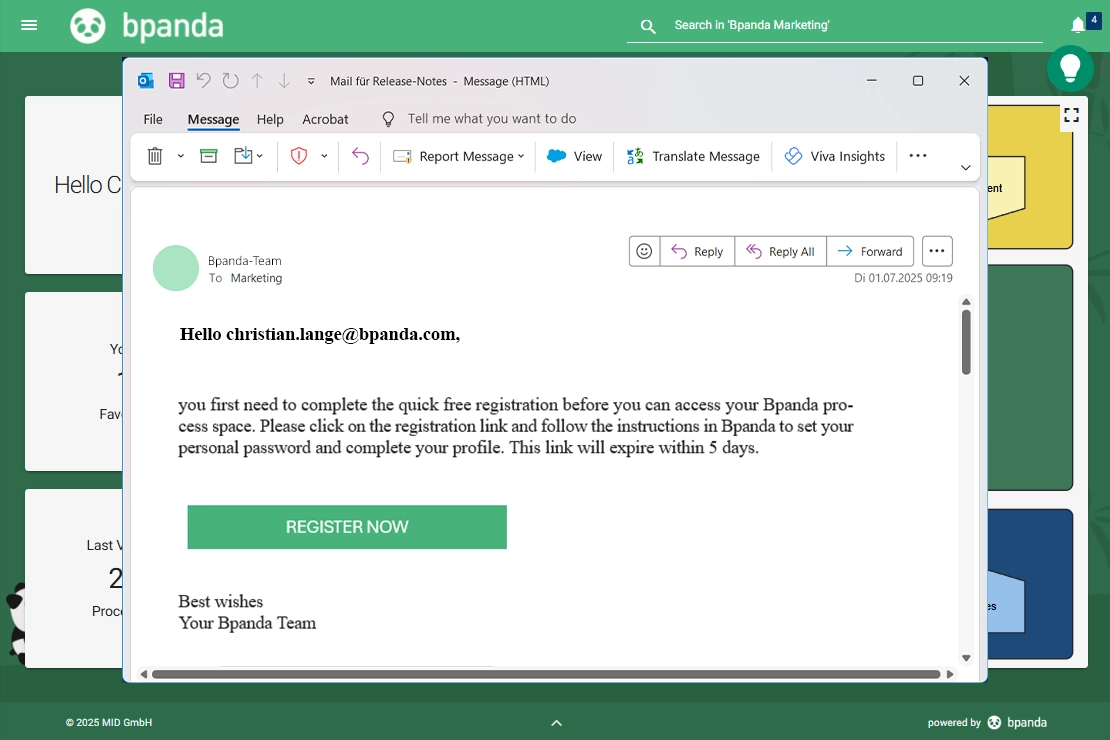
If your company uses Bpanda user management, i.e. not Entra ID Provisioning, then the account manager or BPM manager can invite new users to Bpanda. These are then sent an invitation e-mail with a link to the process space, where they can register with Bpanda. The link is then valid for 5 days. The validity of the link can also be seen in the mail. This means you can invite new users and they now have more time to react to the link before it runs out and you need to send a new invitation. This makes onboarding easier and more flexible for your users.
Bug fixes & improvements
We have also fixed a few small bugs which customers found in this release.
The search functions still work the same in Bpanda. However, we have improved performance of the search so that it up to 50% quicker.
The ArchiMate® Export sometimes used to crash in process rooms with a large amount of processes and applications. This problem has now been fixed and exports can be carried out with no issues in Bpanda.
If you assign applications to a process or process step, these processes are then shown in the “Linked Processes” section on the respective application page in Bpanda. As soon as an application was modified or removed from a process, it used to take a bit of time before the linked processes were up-dated on the respective application page. Now when you create a new process revision and modify applications, process and application assignment is also directly modified; this guarantees that you always see the most up-to-date status of your linked processes on the respective application page.